
Time Clock
How to Use the Clock
We’ve created a series of short, helpful GIFs to guide you through the common functions. Please take a moment to review them to see how to:
- Clock In
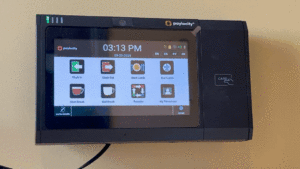
- Clock Out
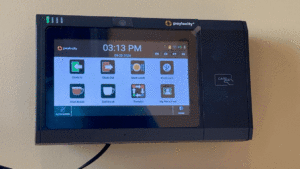
- Start Lunch
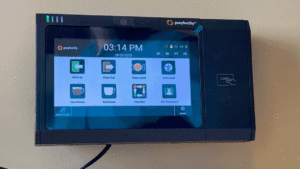
- End Lunch
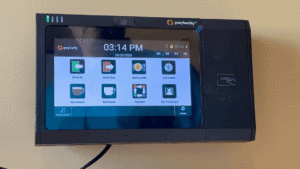
- Transfer
- Use if helping another department for a partial or full shift.
- Always clock in first before using the transfer feature.
- Simultaneously clocks you out of your default department and clocks you into new department.
- This is for tracking purposes and does not impact your total hours worked or eligibility for overtime.
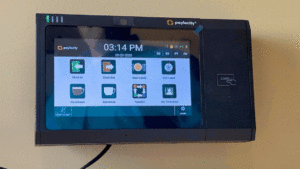
- Review timesheets (also available on web or app)
If you have any questions, please do not hesitate to reach out to our @HR team.